Google Analytics is a powerful tool that tracks and analyzes website traffic for informed marketing decisions.
Service URL: policies.google.com (opens in a new window)
_gac_
Contains information related to marketing campaigns of the user. These are shared with Google AdWords / Google Ads when the Google Ads and Google Analytics accounts are linked together.
90 days
__utma
ID used to identify users and sessions
2 years after last activity
__utmt
Used to monitor number of Google Analytics server requests
10 minutes
__utmb
Used to distinguish new sessions and visits. This cookie is set when the GA.js javascript library is loaded and there is no existing __utmb cookie. The cookie is updated every time data is sent to the Google Analytics server.
30 minutes after last activity
__utmc
Used only with old Urchin versions of Google Analytics and not with GA.js. Was used to distinguish between new sessions and visits at the end of a session.
End of session (browser)
__utmz
Contains information about the traffic source or campaign that directed user to the website. The cookie is set when the GA.js javascript is loaded and updated when data is sent to the Google Anaytics server
6 months after last activity
__utmv
Contains custom information set by the web developer via the _setCustomVar method in Google Analytics. This cookie is updated every time new data is sent to the Google Analytics server.
2 years after last activity
__utmx
Used to determine whether a user is included in an A / B or Multivariate test.
18 months
_ga
ID used to identify users
2 years
_gali
Used by Google Analytics to determine which links on a page are being clicked
30 seconds
_ga_
ID used to identify users
2 years
_gid
ID used to identify users for 24 hours after last activity
24 hours
_gat
Used to monitor number of Google Analytics server requests when using Google Tag Manager
1 minute







Aidan H –
TLDR: This is the best choice for someone new to the iPad line or wanting to upgrade from an old model. It supports the same, second-gen Apple Pencil as the top of the line iPad Pro, while a unique combination of Touch ID and slim bezels by moving the fingerprint sensor to the top button. And, its got a USB-C port and Wi-Fi 6 for easier connectivity.
Let’s take a look at where the Air sits in comparison to the rest of the iPad line–in other words, why pay more to get the Air instead of the basic iPad? As a quick recap, Apple’s current line of iPads is divided into four different categories: iPad Mini, iPad, iPad Air (this product), and iPad Pro.
The iPad and iPad mini feature the traditional, circular home button with Touch ID sensor inside (similar to a blown-up version of the iPhone 7/8/SE), and they have fairly large bezels (this is especially bad on the size-conscious Mini). These models have older generation CPUs and only support the first-generation Apple Pencil. This version of the Pencil has an easy-to-lose cap covering a Lightning port for charging it (which requires an adapter, or awkwardly plugging into into the bottom of your iPad). It’s completely cylindrical and will easily roll of a desk. These cheaper models also don’t support the Magic Keyboard, which allows your iPad to “levitate” above the keys; they only support a simpler Smart Keyboard where the keys and iPad screen come together at the hinge.
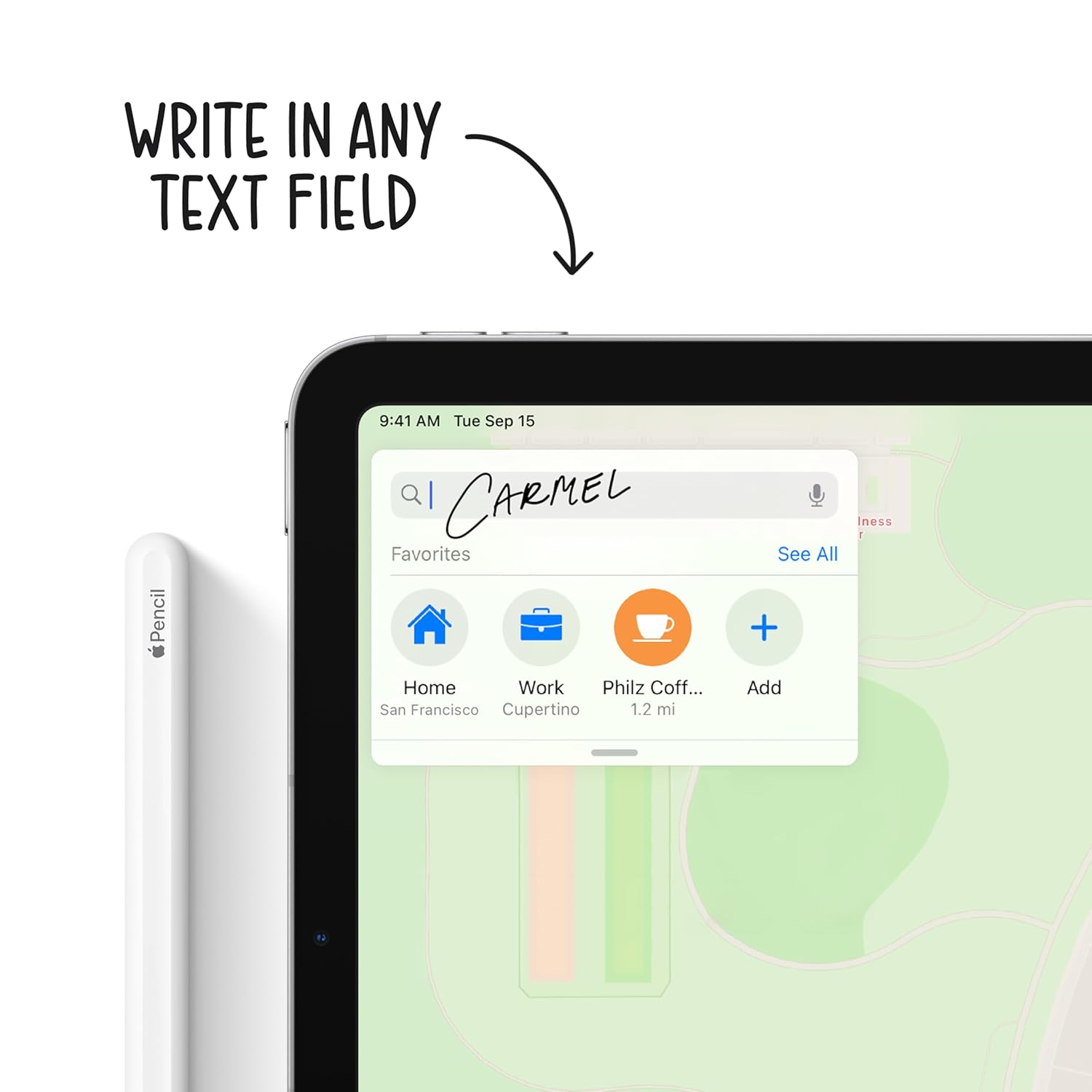
With the Air, you get the same Magic Keyboard as is available for the Pro–and the same second generation Apple Pencil, which supports double-tap (ex to change pencil to eraser tool) and magnetically mounts and charges on the side of your iPad, rather than awkwardly sticking out the bottom.
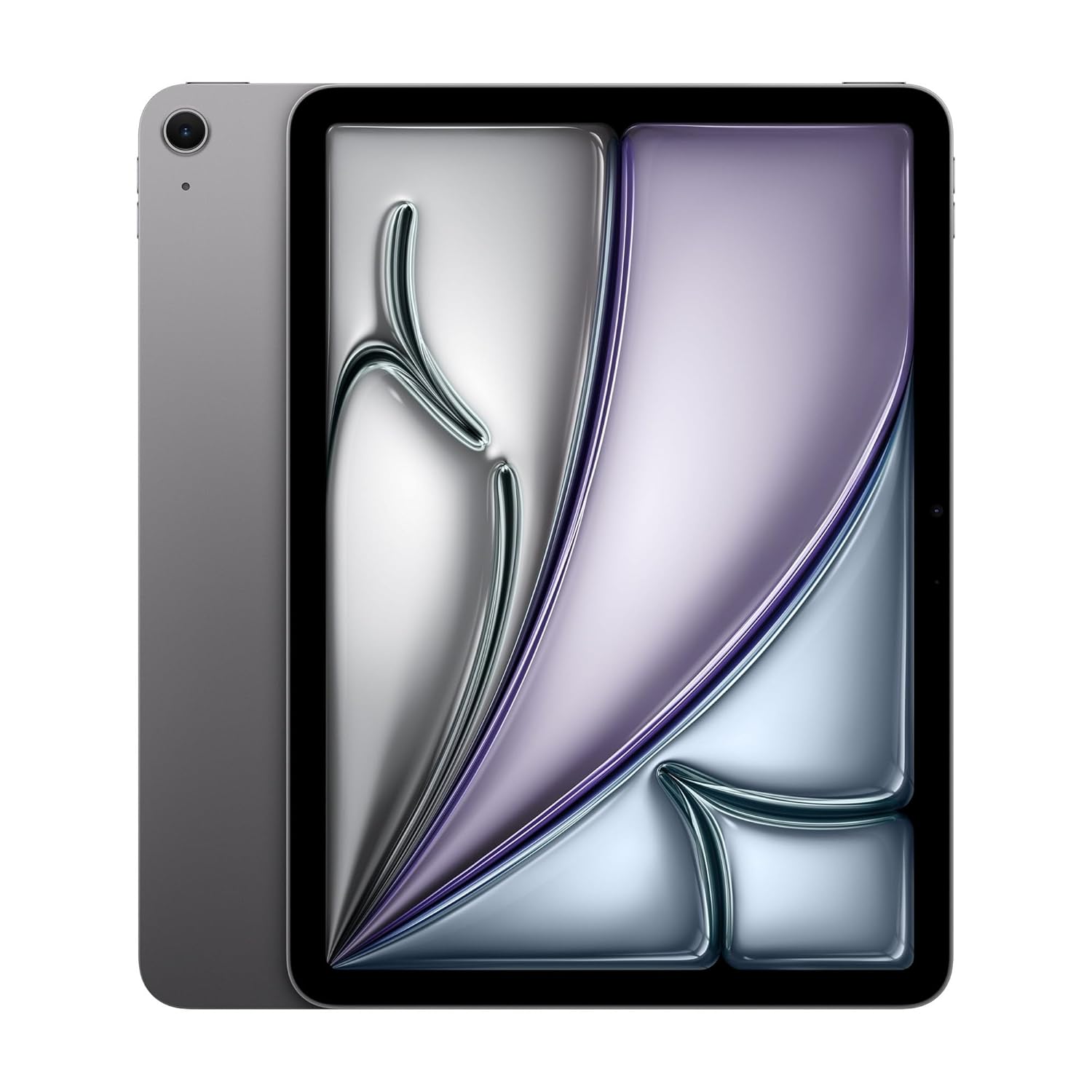
By upgrading to the Air (this model), you get a slightly larger screen (10.9″ vs 10.2″, thanks to the smaller bezels). And, the screen improves in quality as well as size. The Air has a fully laminated display, which means there’s no air gap between the screen and the glass–preventing reflections and the hollow sound when you tap on the screen. The downside is that breaking the front glass is a more expensive repair–that’s why the school-friendly base model iPad doesn’t include this feature. The Air also includes True Tone and wide color, which makes the display look more vibrant by adapting to the lighting conditions around you.
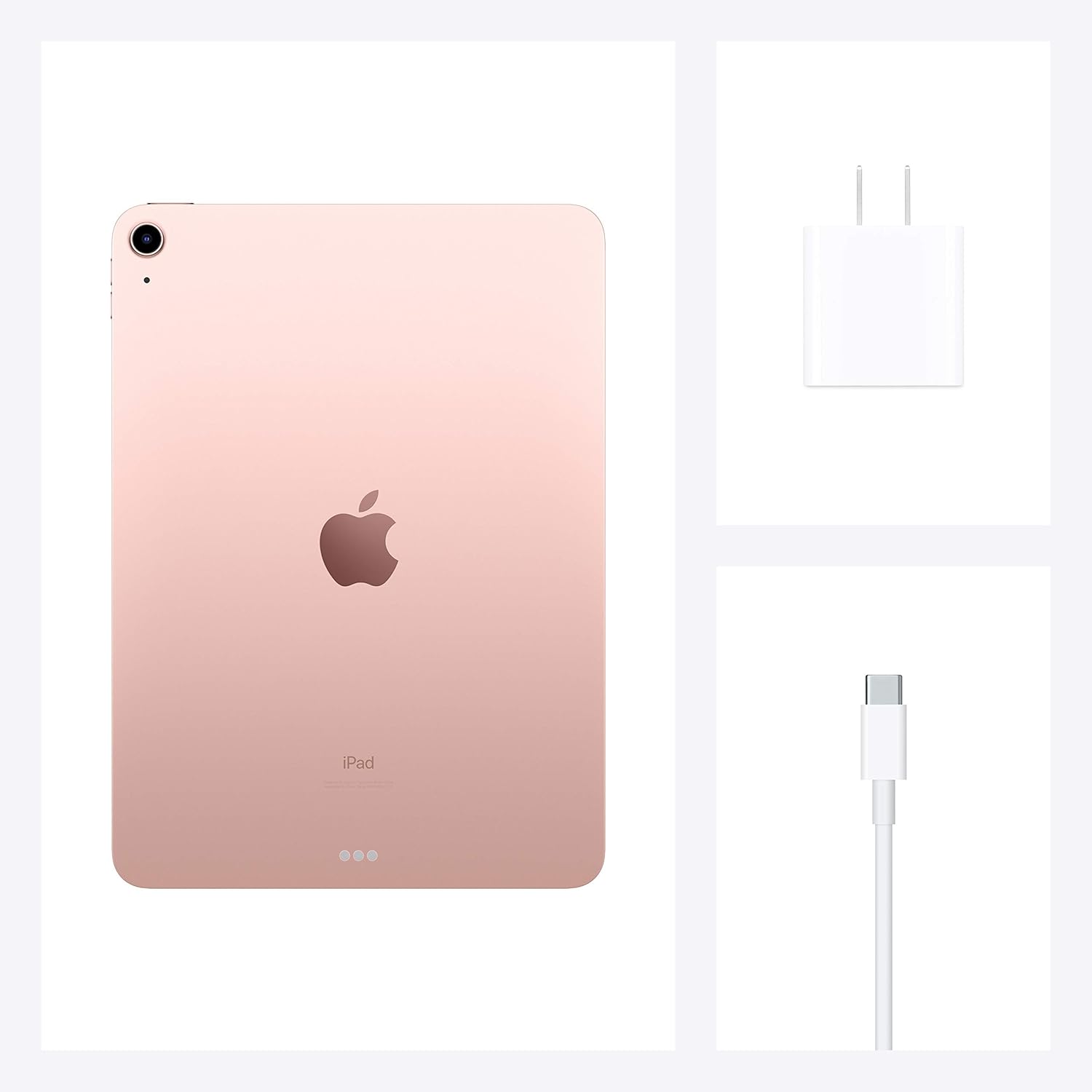
You also get much better connectivity with the Air. You’ll get the future-proof WiFi 6, which is just starting to hit the market, and a USB-C port that gives you more charging flexibility and lets you plug in hard drives, SSDs, SD cards, cameras, and monitors with an inexpensive USB-C hub instead of the pricey Lightning to Camera adapter required on older models. For those who haven’t used iPad in a while, the latest iPadOS actually supports plugging in an external drive and browsing the files on it without any extra software, and that’s a lot easier to do on the Air. If you have a Mac, Surface, or other recent computer, you’re already familiar with what USB-C can do.
Last but certainly not least, the iPad Air has the same A14 chip found in the latest iPhone 12 and 12 Pro lines. The basic iPad has the two and a half year old A12 chip instead. And, the base iPad has an atrocious 1.2MP front camera, which is hardly appropriate for today’s Zoom-centric world.
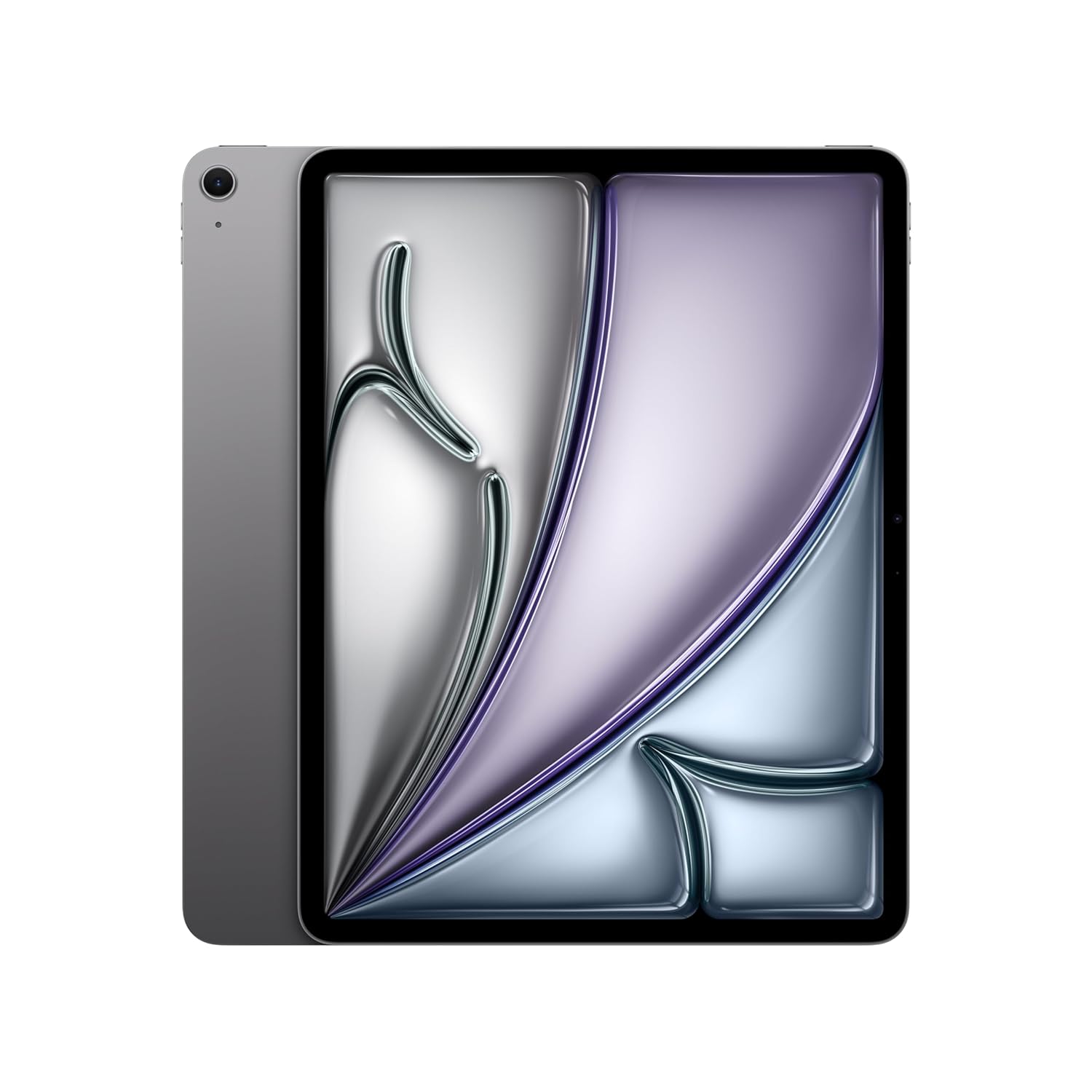
What are some reasons you might want to get the Pro instead of Air? Both look a lot alike they have the ultra-slim, black bezels (similar to a blown up iPhone X or later, minus the notch). But the iPad Pro also has an enormous 12.9″ option, which comes with Apple’s best in class Super Retina XDR display technology–easily the best display on any tablet out there. This is only on the 12.9″–so yet another reason to stick with the Air if you want the 11″ size–and it is similar to the display of the iPhone 12 or Apple’s infamously expensive Pro Display XDR monitor. Unlike the iPhone, both sizes of the Pro come with a 120Hz display (refresh rate automatically switches from 24, 60, and 120 Hz based on the content you are viewing), which Apple calls ProMotion.
Speaking of the 12.9″, my one complaint with the Air and the 11″ Pro is that they don’t make very good use of the much larger screen space for the keyboard. They allow you to swipe down on the oversized letter keys to enter numbers, whereas the Pro actually displays a separate number row above the letter keys, like a real keyboard. That said, if this bugs you too, you may as well just get a Magic Keyboard or Bluetooth keyboard and use that.
Both sizes of the Pro also have a better camera–a 12MP wide and 10MP ultra wide lens plus flash, similar to an iPhone 12. The Air, on the other hand, has the 12MP wide camera but no flash. Hardly anyone takes serious pictures on an iPad–but if you do, I recommend checking out the Halide pro camera app which was just redesigned for iPad last week. The front camera is also improved (12MP with ultra wide view on the Pro, and 7MP on the Air). The Pros also have USB4/Thunderbolt support for ultra-fast external SSD support, and they have the same M1 processor used on Macs. You can configure them with up to 2TB internal storage, vs only 256GB on the Air. I’ve never bought a cellular iPad (preferring to use the personal hotspot feature on my iPhone instead), but if you are looking at one, the Pro might make more sense because it comes with 5G support, similar to the iPhone 12.
In conclusion, for most people this iPad Air offers everything you need in a future-proof package and great price point. For those who want it all, get the iPad Pro 12.9″ (think twice about the 11″ Pro since you’re paying a premium price and missing the best-in class display of the 12.9″).
Diego Lacerda Costa –
Confesso que eu estava bem receoso de comprar o iPad por aqui, mas fui na cara e na coragem e não me arrependi! O produto é totalmente original, veio lacrado direitinho, chegou super rápido e é maravilhoso!
Gabriela M. –
Tablet leve, com bateria que dura o dia todo. Produto de ótima qualidade.
Ziggisoo –
Excelente produto, bem intuitivo. Um pouco chatas as configurações iniciais, mas durante uso é tranquilo demais. Achei que a bateria tivesse mais autonomia, mas tenho percebido que ela descarrega um pouco mais rápido do que eu imaginava. Em compensação carrega super rápido.
Aline Bellini –
Produto de acordo com o anunciado. Eu tinha um iPad muito antigo e fiz um upgrade para esse modelo, não me arrependo. Tem uma tela sensacional, é super fino e leve. Atendeu as minhas expectativas.