Google Analytics is a powerful tool that tracks and analyzes website traffic for informed marketing decisions.
Service URL: policies.google.com (opens in a new window)
_gac_
Contains information related to marketing campaigns of the user. These are shared with Google AdWords / Google Ads when the Google Ads and Google Analytics accounts are linked together.
90 days
__utma
ID used to identify users and sessions
2 years after last activity
__utmt
Used to monitor number of Google Analytics server requests
10 minutes
__utmb
Used to distinguish new sessions and visits. This cookie is set when the GA.js javascript library is loaded and there is no existing __utmb cookie. The cookie is updated every time data is sent to the Google Analytics server.
30 minutes after last activity
__utmc
Used only with old Urchin versions of Google Analytics and not with GA.js. Was used to distinguish between new sessions and visits at the end of a session.
End of session (browser)
__utmz
Contains information about the traffic source or campaign that directed user to the website. The cookie is set when the GA.js javascript is loaded and updated when data is sent to the Google Anaytics server
6 months after last activity
__utmv
Contains custom information set by the web developer via the _setCustomVar method in Google Analytics. This cookie is updated every time new data is sent to the Google Analytics server.
2 years after last activity
__utmx
Used to determine whether a user is included in an A / B or Multivariate test.
18 months
_ga
ID used to identify users
2 years
_gali
Used by Google Analytics to determine which links on a page are being clicked
30 seconds
_ga_
ID used to identify users
2 years
_gid
ID used to identify users for 24 hours after last activity
24 hours
_gat
Used to monitor number of Google Analytics server requests when using Google Tag Manager
1 minute





Neha Khan –
Excellent cell phone. Ultra thin and able to multitask. Fun to use. A bit on the pricey side,but worth it. Screen is perfectly sized.
FilmNot –
I’d say this was really close to 5 stars, but I took one off for a few things:
1). Charging speed is really not great. 2 1/2 hours to fully charge. My iPhone 16 Pro was far faster. The big thing is to make sure you use a 25W charging block. Just sticking it into any ol’ charging block will end up much longer, most likely. Yesterday, I was charging at 15W using a charging block with like 8 USB ports. I didn’t realize that 4 of those ports charge at only 5W. Two others at 12 or 15W. And two at 20W. Going from 12/15W to 20W chopped 30 minutes off the charge time, which was 1 1/2 hours, at that point. The phone will only charge up to 25W. Other phones are 45 on up.
2) Speakers kinda suck. My iPhone 16 Pro was much better, and it wasn’t great. But… it’s not that big a deal. I’m not listening to anything that important on my phone.
3). Getting used to an Android phone again, after 6 years of an iPhone, (had Android since Android phones first came out), is it a bit of doing, but not that bad.
4). The crease is not completely gone, but apparently much better than the Fold 6. I’d like to see it gone completely, bu… it’s really not an issue in real world use. You don’t really see it until turn the phone and catch some glare.
4). I hate that I lose the ability to send text messages from my Mac’s iMessage app. This is truly the only REAL negative. The other 4 above are minor. But… I can use a free bit of software called Blue Bubble to allow me to do this. I haven’t set it up, yet, but… with working there’s nothing to not recommend this awesome piece of tech. Truly super cool.
Best Reviews –
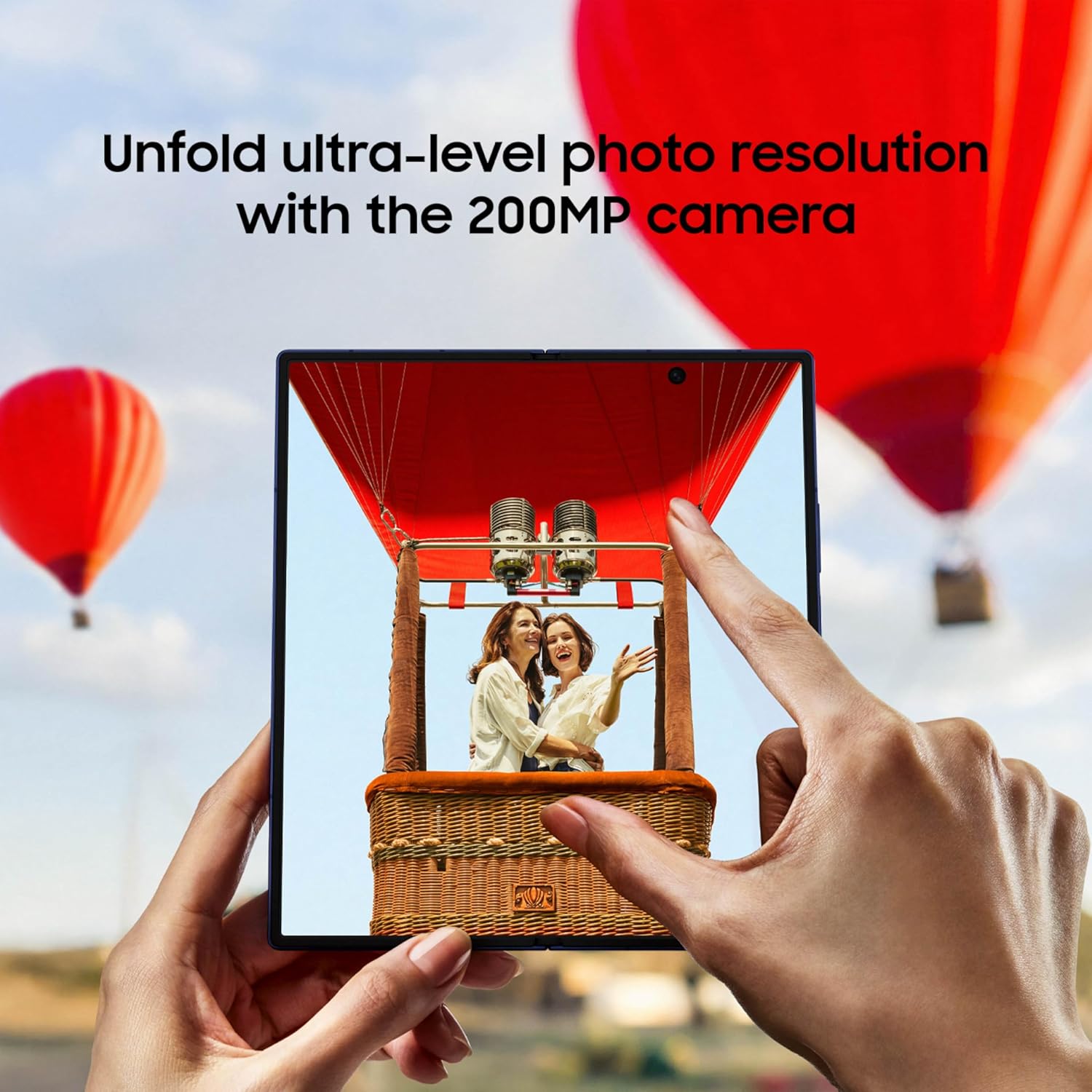
This is my favorite of the Folds so far. I went from the 4 to the 5 now the 7. This is such a significant upgrade in regards to the cameras. I’ve honestly been disappointed in the 4 and 5 because of the flat washed out photos. This uses the same sensors as the S25 Ultra, 200mp. Also the under screen cameras are gone, kind of a downgrade having the hole punch, but then they upped them to 10mp from 4mp. I also wish there was a 1TB version, but 500gig makes me a little less “photo hoardy” with my pictures. If you want or need a pallet, this one is the thinnest, nicest one yet.
Riera Music –
I’ve used Samsung’s Ultra and Note series for years, so I’m very familiar with wide, boxy phones and large displays. That’s why, when I first got the Z Fold 7, the cover screen initially felt narrow compared to what I was used to. In height it’s almost the same, but the width seemed smaller. However, this feeling only lasted a few days—once I adjusted, I realized the cover display is more than enough for everyday use. In fact, it’s very similar in size to the S25 Plus, and you can comfortably run any app on it.
The magic happens when you unfold it. The internal display is huge, immersive, and makes you forget about missing the wider Ultra screen. You can run two apps side by side, or one above the other, almost like having two phones in one. For example, you can keep your email open on one side while chatting or receiving information on the other—copying, pasting, and multitasking without constantly switching apps. You can also watch a video on one half while replying to emails, chatting on WhatsApp, or doing other tasks on the other half. It’s an unmatched experience that no regular phone can offer.
Multitasking and Apps
Multitasking on the Fold is incredible. Editing photos, playing games, or browsing is simply more fun on such a large display. Most apps are optimized because Samsung’s software is excellent, and social apps like Instagram, WhatsApp, and Facebook look fantastic. If you ever prefer a narrower aspect ratio, you can quickly switch any app to “slim mode” through the multitasking options.
Addressing the Haters’ Complaints
Under-display camera: You can enable a black bar in apps to hide the camera area, so it never gets in the way.
S Pen: While there’s no built-in S Pen slot, you can use a capacitive S Pen. By enabling “increased touch sensitivity” (especially if you use a tempered glass screen protector), it works very well for everyday use.
Battery life: After weeks of use, I can confirm the battery lasts all day. With adaptive power saving and dark mode, I’ve managed up to 10 hours of screen time on the cover screen, and 7–8 hours with mixed cover and main screen use. Heavy gaming or demanding apps bring it down to 5–6 hours, which is still solid. To preserve long-term battery health, I recommend enabling battery protection (charging to 90–95%) and avoiding letting it drop below 30%.
Cameras
For 99% of users, the cameras are more than enough. The biggest advantage is using the high-quality rear cameras for selfies or streaming, which no standard phone—including the Ultra series—can match. Plus, when taking photos of others, they can preview themselves on the cover screen. Photos, selfies, and videos are sharp and vibrant. While professionals may prefer the S25 Ultra for advanced photography, the Fold’s versatility makes it an excellent choice for almost everyone.
Final Thoughts
The Z Fold 7 is an outstanding phone. Even if you’re coming from an Ultra, it only takes a few days to adjust before you realize you don’t miss the wider display. In fact, Ultras feel bulky and brick-like compared to the Fold, which is slimmer, more comfortable to hold, and far more versatile. The cover screen is fully usable for everyday apps, and when you want something larger, unfolding gives you a massive display that no traditional phone can match.
I don’t regret switching at all—this is easily one of the best devices I’ve ever used, and I highly recommend it.
Scotty C. –
I really like this thing. It’s shockingly lightweight, even moreso than the Pixel phone I came from. It’s about the same thickness as the Pixel, folded, which is insane. Then you unfold it and it’s almost too thin.
It can be a little bit difficult to unfold at first, but you can easily get used to it.
I’m not crazy about the Samsung pre installed apps, but fortunately most can be removed and replaced by Google alternatives fairly easily, with a couple of exceptions.
If you’re the type of person who needs a little extra screen real estate for work tasks, this is the perfect solution. I find myself using this regularly for task management and code review in a work capacity. Neither of which are experiences designed for mobile.
That desk wobble from the camera bump, though.. Yikes. If you’re into putting a thick case on your phone, this is probably nothing to worry about. I like the caseless look on my devices. This phone doesn’t sit flat and is borderline unusable laying on a table unless you stabilize it with your other hand.
Other than the wobble, it’s an amazing device. I don’t regret shelling out big money for it.